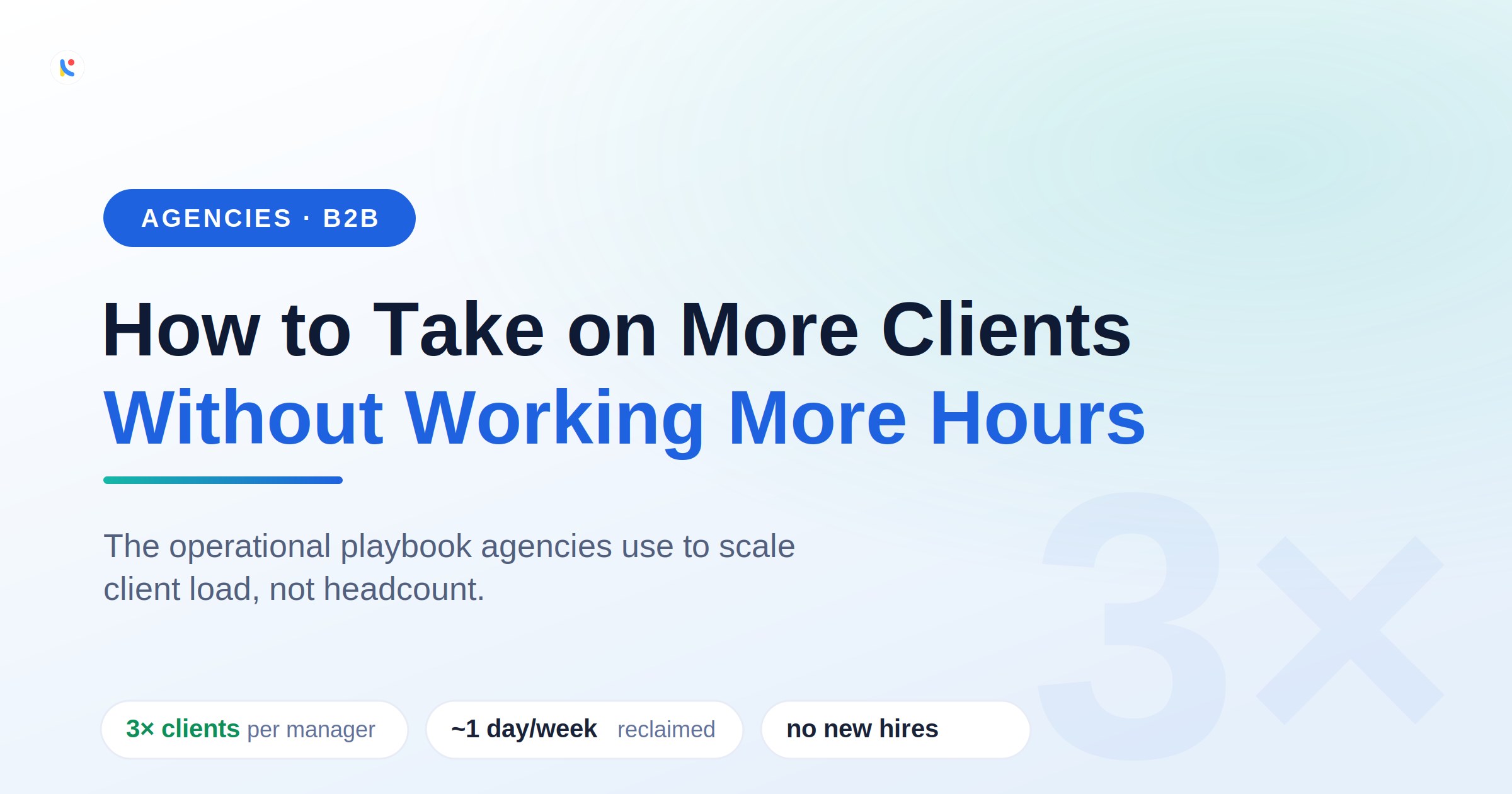
Every agency founder knows the moment. You land a great new client, the team celebrates, and then a quieter feeling sets in: how are we actually going to handle this? The instinct is to hire. The better answer, the one high-growth agencies reach for, is infrastructure. You do not need three times the people to handle three times the clients. You need communication that does not fall apart as volume climbs.
The last two figures are Notico's internal design targets rather than independent benchmarks, but even a fraction of them changes what a small team can carry.
The agency capacity paradox
Most agencies do not have scalable operational infrastructure. They have scalable talent. And talent without infrastructure hits a wall: at some point every new client adds more coordination than any single person can hold in their head. The agencies that grow past ten clients without proportionally growing their team share one trait. They have built communication infrastructure that does not degrade as volume increases. Their account managers are not heroically managing chaos through personal discipline; they are working inside systems that absorb the coordination overhead automatically.
This is not a willpower problem you can fix with a "check Slack less" message. It is structural, and structural problems need structural solutions.
Where the hours actually go
In a ten-client agency, the communication surface area is staggering. One client runs Asana, another lives in Jira, a third communicates almost entirely over Gmail, a fourth insists on Slack. Your account managers are not managing ten clients. They are managing ten separate communication environments, each with its own notification conventions, urgency signals, and unwritten rules. That is the real shape of notification overload inside an agency, and it is where the hours quietly disappear.
The cost of this fragmentation is invisible on the surface. It shows up as overworked account managers, slow client response times, and the occasional missed deliverable that nobody can quite explain. Underneath, it is entirely predictable: the human brain was never meant to monitor ten notification streams at once. It is the same dynamic that quietly costs freelancers their clients, just multiplied across a whole team.
A notification aggregator changes the math
A notification aggregator is a single inbox that pulls alerts from every tool your team touches, Slack, Gmail, Outlook, Asana, ClickUp, Jira and more, into one prioritised view. Instead of opening six apps to reconstruct what is happening with a client, your team reads one ranked feed. That one change attacks the two biggest sources of agency overhead at once: the time spent hunting for messages, and the time lost switching between contexts.

When a client urgently flags a task in Asana at 4:30, it surfaces in the account manager's inbox next to the priority email another client sent thirty minutes earlier, ranked by what actually matters. Smart summaries let managers walk into each client call already briefed, without spending twenty minutes beforehand opening tabs and piecing context together. Priority tags let a traffic manager route the urgent request to the right person without personally checking which Slack channel it landed in. This is the same engine behind the operational savings a unified inbox delivers for any growing team.
The capacity math, in real numbers
Put rough numbers on it. If structured notification management saves each account manager 75 minutes a day, a conservative estimate for someone running six or more active clients, that is 375 minutes a week, roughly one extra full working day. Across a five-person account team, that is five additional person-days of capacity every week. Without a new hire. Without overtime. Through infrastructure.

For an agency billing at €150 an hour, five reclaimed billable days a week is on the order of €6,000 in potential additional monthly revenue from the same team. The compounding effect over a year is the kind of number that belongs in a board deck, and it comes entirely from removing coordination drag rather than adding people.
How to deal with a lot of notifications without dropping clients
If your team is drowning in pings, the fix is not to mute everything and hope. It is to put structure around the flow. A practical way to manage too many notifications across many clients:
- Consolidate into one aggregator. Stop monitoring each client tool separately; bring every alert into a single feed so nothing depends on remembering to check app number seven.
- Rank by urgency, not recency. The newest notification is rarely the most important one. Let priority, not arrival time, decide what your team sees first.
- Batch the low-priority noise. Most alerts do not need a real-time response. Group them and save them for a dedicated block instead of reacting all day.
- Brief from summaries, not tabs. Use AI summaries to prep for client calls so prep takes two minutes, not twenty.
- Route with priority tags. Tag and assign urgent client requests so the right person acts without a manager triaging every channel by hand.
If you want a starting point for the first two steps, our guide to organizing Slack and email notifications walks through the mechanics.
Ready to scale your agency without scaling your overhead?
Notico unifies every client's Slack, Gmail, Outlook and Asana into one prioritised inbox, with smart summaries and priority tags built for teams juggling many clients at once. Take on more work without taking on more hours.
Explore Notico for agenciesFrequently asked questions
What is a notification aggregator?
A notification aggregator is a single inbox that pulls alerts from every tool your team uses, Slack, Gmail, Outlook, Asana and more, into one prioritised view. Instead of tab-hopping between apps to find what matters, your team reads one ranked feed.
How does reducing notification overload help an agency take on more clients?
Most agency overhead is coordination, not the billable work itself. When notification overload drops, account managers spend less time hunting for messages and switching contexts, which frees real hours of capacity to serve more clients without adding headcount.
How much time can account managers actually save?
It varies by client load, but saving even 75 minutes a day per manager, a conservative figure for someone running six or more clients, adds up to roughly a full working day reclaimed each week, per person.
Will my team have to change the tools they already use?
No. A good aggregator reads from the tools clients already use and surfaces them in one place. Your team keeps Slack, Gmail, Outlook and Asana; they just stop paying the tax of monitoring all of them separately.
You do not scale an agency by working more hours. You scale it by removing the coordination tax that eats them. Start by measuring how much of your team's day disappears into notifications, then take that time back.